
Modules Collection V5
Updated November 2025
A showcase of all 21 modules available to every PixelClub™ member.
Explore all the different ways we can present your content below. For each of your pages, you can have any of the below modules, stacked in any combination, as many times as you need.
- 50/50 Module with Hotboxes (this module)
- 50/50 Module
- Whitepage Module
- Portfolio Module
- Portfolio Tease Module
- Video Canvas with Hotboxes
- Video Canvas
- Cinema Module NEW
- Little Thumbs Module NEW
- Fat Thumbs Module NEW
- Datalist Module NEW
- Photo Module
- Video Module
- Box Model Passive Module
- Box Model Linked Module
- Newslist Module
- Media Gallery Module
- Jobs Module NEW
- Contact Form Module
- Advanced Contact Form Module
- Codesharer Module NEW
The 50/50 Module
Added November 2023 - Part of V1
This is the 50/50 module which has a special full-screen background image (a 50/50 photo) where the main subject of the photo is on the right leaving a flatter area on the left to cleanly house the text (stacked vertically on mobile). This concept is what gives PixelClub™ Websites their clean visual quality, and thus, is the most commonly used module throughout all our websites.
Offers any combination of Title, Subtitle, Paragraph, Link Buttons and can even house a File Download. Supports special 50/50 images only.
We have a curated photography library - The Photo Box - which contains hundreds of 50/50 photos, and you can choose any of them for your website! For instance, this background can be found in Business > Photo 33, The Dubious Man.
Whitepage Module
Added January 2024 - Part of V2
This is a Whitepage module which is suited to articles and more wordy sections, and are perfect for when you have a lot to say. Offers any combination of Title, Subtitle, Paragraph, Inline Links, Link Buttons and File Downloads. Supports images and YouTube videos. See it used for a news article...


Nemo enim ipsam voluptatem quia voluptas sit aspernatur aut odit aut fugit, sed quia consequuntur magni dolores eos qui ratione voluptatem sequi nesciunt. Sed ut perspiciatis unde omnis iste natus error sit voluptatem accusantium doloremque laudantium, totam rem aperiam, eaque ipsa quae ab illo inventore veritatis et quasi architecto beatae vitae dicta sunt explicabo. Nemo enim ipsam voluptatem quia voluptas sit aspernatur aut odit aut fugit, sed quia consequuntur magni dolores eos qui ratione voluptatem sequi nesciunt. Sed ut perspiciatis unde omnis iste natus error sit voluptatem accusantium doloremque laudantium, totam rem aperiam, eaque ipsa quae ab illo inventore veritatis et quasi architecto beatae vitae dicta sunt explicabo.
Cluster
Added May 2026 - Part of V6










Portfolio Module
Added January 2025 - Part of V5
The Portfolio module offers a stylish triple-column presentation when you have a lot of visual content to show as a collection. Each card offers any combination of Title, Paragraph, Links and Category. Supports images and YouTube videos.
Project Title 1
Here will be the project description or synopsis, if you will

Project Title 2
Optional Category

Project Title 3
Here will be the project description or synopsis, if you will

Project Title 4 That is really long for testing reasons
Here will be the project description or synopsis if you will. It's a very long one to illustrate what happens over multiple lines. A proper paragraph!
Optional Category
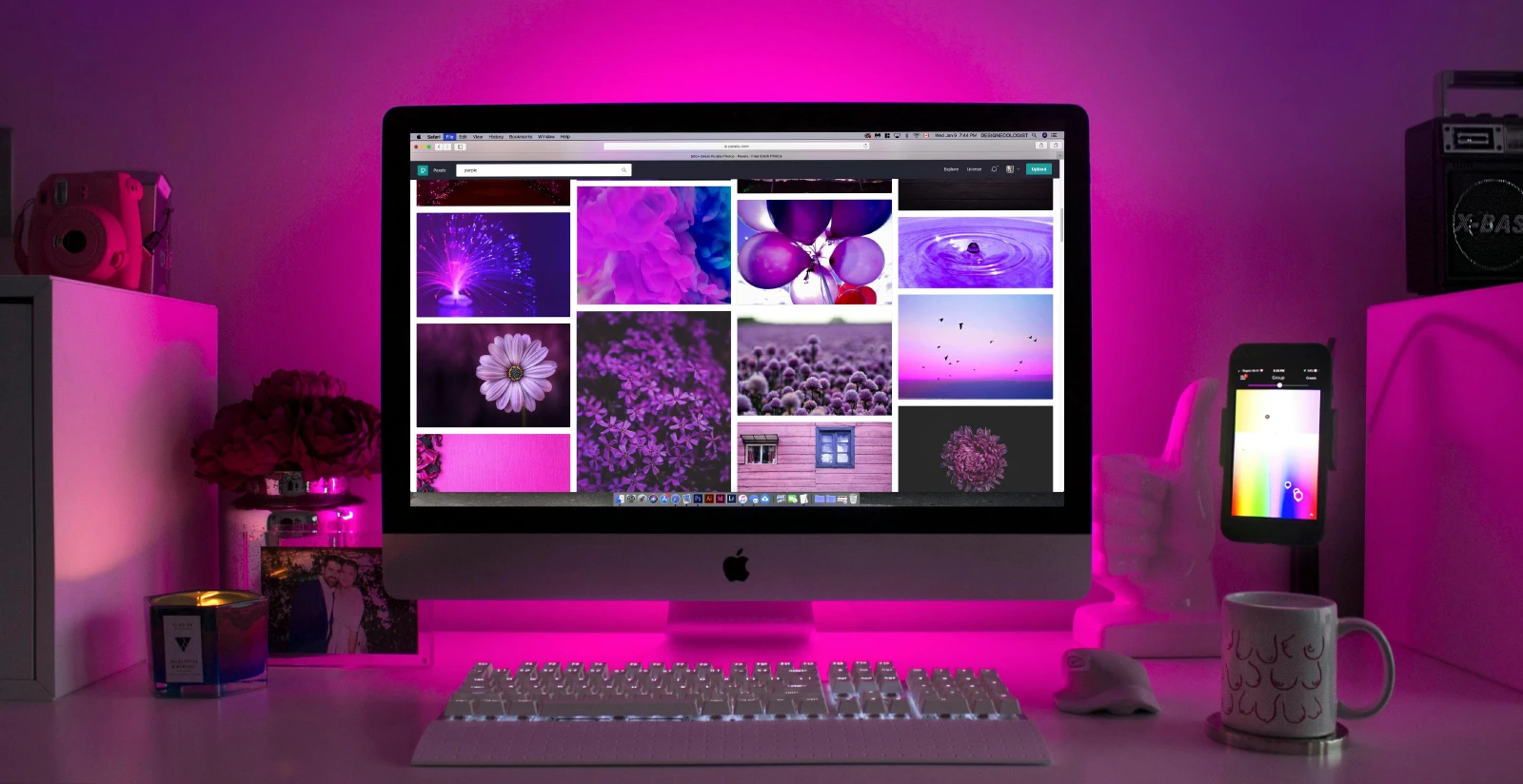
Project Title 4 That is really long for testing reasons
Here will be the project description or synopsis if you will. It's a very long one to illustrate what happens over multiple lines. A proper paragraph!
Optional Category
Project Title 3
Here will be the project description or synopsis, if you will

Project Title 2
Here will be the project description or synopsis if you will. It's a very long one to illustrate what happens over multiple lines. A proper paragraph!
Optional Category

Project Title 2
Here will be the project description or synopsis, if you will
Optional Category

Project Title 1
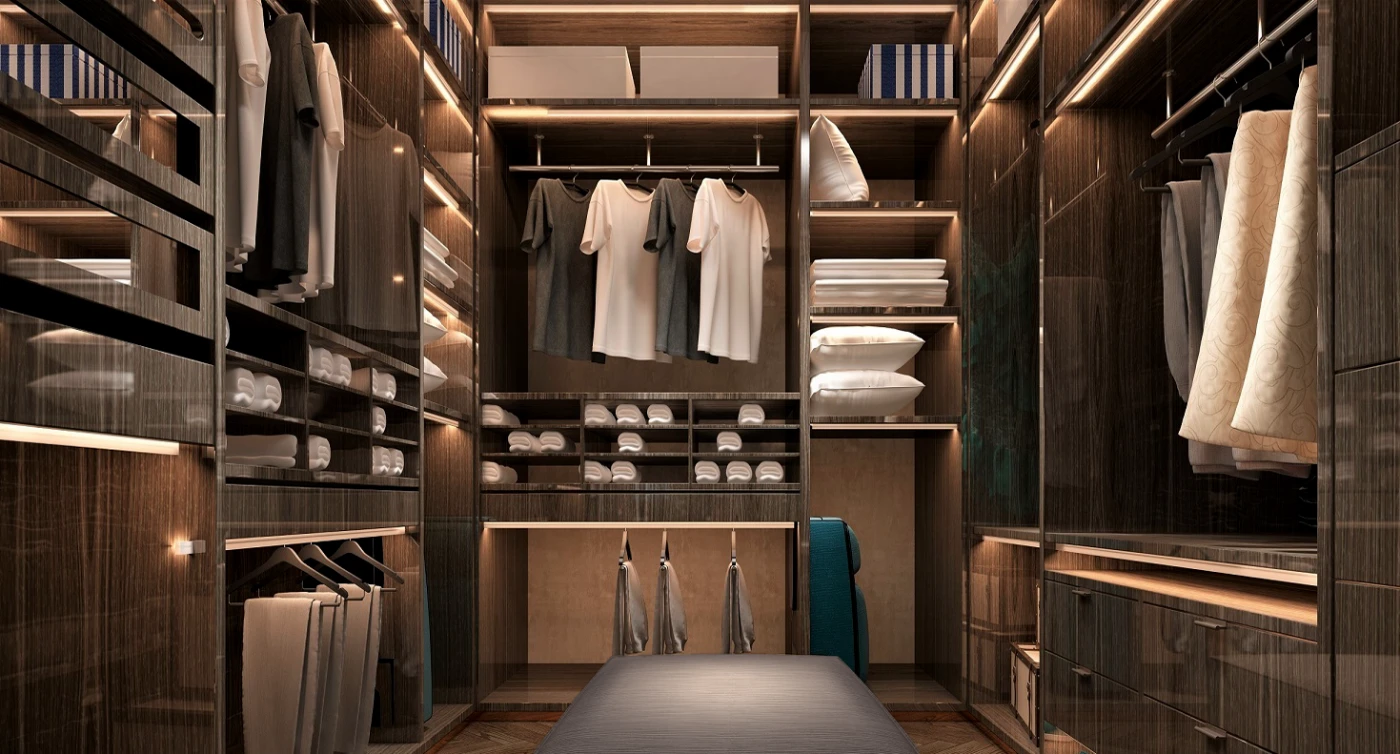
Project Title 3

Project Title 3
Here will be the project description or synopsis, if you will
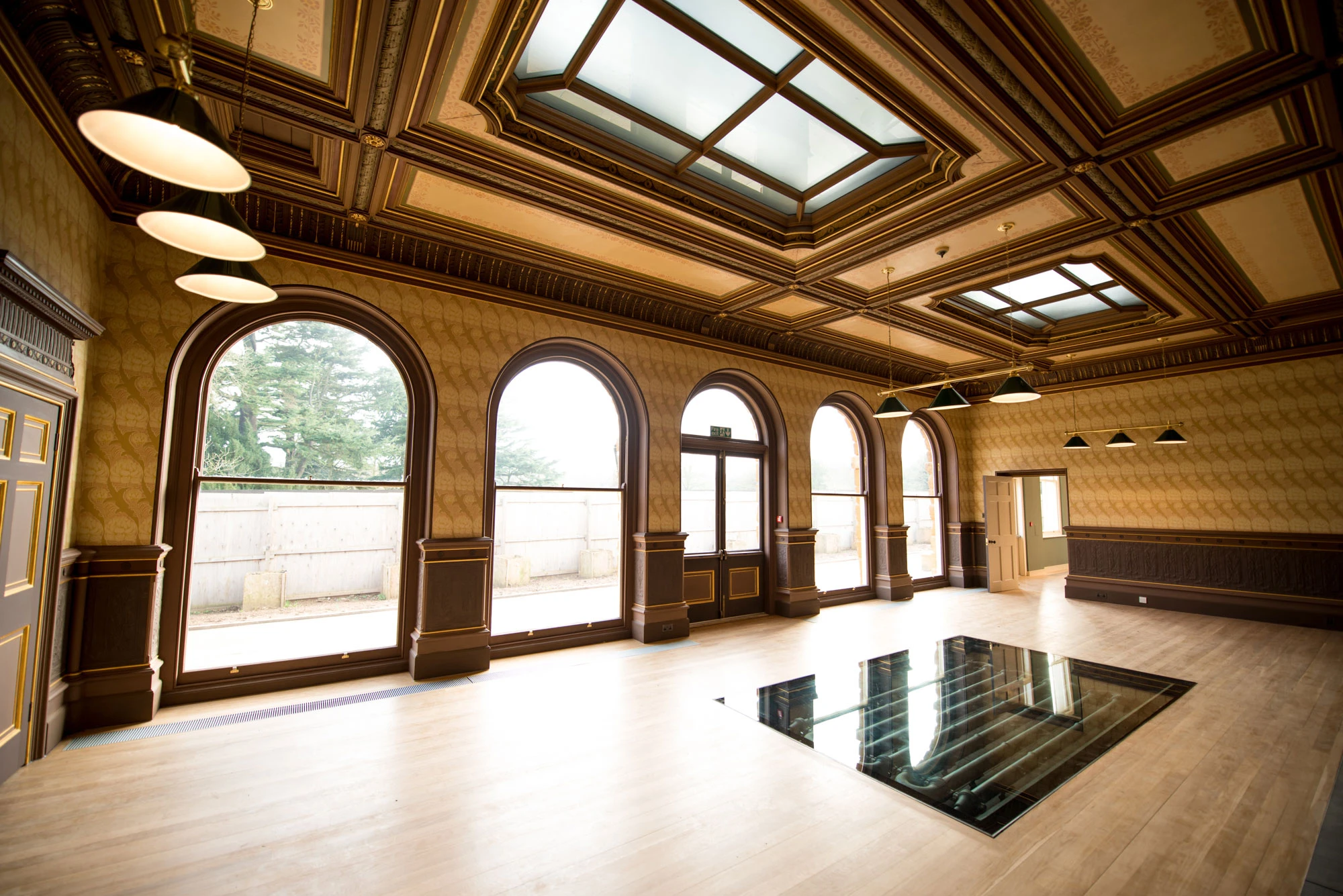
Project Title 4 That is really long for testing reasons
Here will be the project description or synopsis if you will. It's a very long one to illustrate what happens over multiple lines. A proper paragraph!

Project Title 1
Here will be the project description or synopsis, if you will
Project Title 2
Here will be the project description or synopsis, if you will
Optional Category
Project Title 3
Here will be the project description or synopsis, if you will
Project Title 4 That is really long for testing reasons
Here will be the project description or synopsis if you will. It's a very long one to illustrate what happens over multiple lines. A proper paragraph!
Optional Category
Project Title 4 That is really long for testing reasons
Here will be the project description or synopsis if you will. It's a very long one to illustrate what happens over multiple lines. A proper paragraph!
Optional Category
Project Title 3
Here will be the project description or synopsis, if you will
Project Title 2
Here will be the project description or synopsis, if you will
Optional Category
Project Title 2
Here will be the project description or synopsis, if you will
Optional Category
Project Title 1
Project Title 3
Project Title 3
Here will be the project description or synopsis, if you will
Project Title 4 That is really long for testing reasons
Here will be the project description or synopsis if you will. It's a very long one to illustrate what happens over multiple lines. A proper paragraph!
Optional Category
Video Canvas Module with Hotboxes
Added January 2025 - Part of V5
The Video Canvas Module houses succinct content presented centrally against a video background. This version is the same as the below module except this one has a trio of hotboxes (just like the homepage) to distribute traffic quickly to important pages. Any YouTube video can be used as a canvas which is automatically tinted, muted, auto-played and looped.
0330 133 9444
Video Canvas Module
Added January 2025 - Part of V5
The Video Canvas Module houses succinct content presented centrally against a video background. This version doesn't have hotboxes like the above module, making it cleaner and more focused on the video and content in the centre of the screen. Any YouTube video can be used as a canvas which is automatically tinted, muted, auto-played and looped.
0330 133 9444Cinema Module (above)
Added February 2026 - V6 Preview
A framed cinema screen module that shows a single YouTube video / playlist.
Please note this module you are reading is a Whitepage Module, as the Cinema Module cannot display text.
Little Thumbs
Added June 2025 - V6 Preview
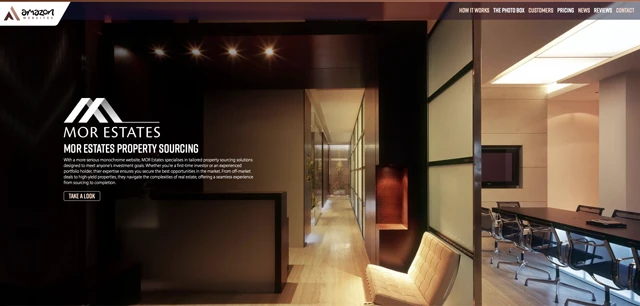
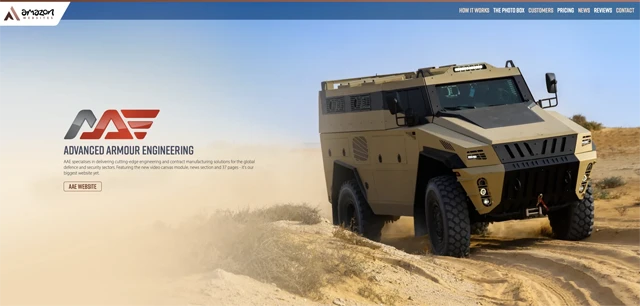
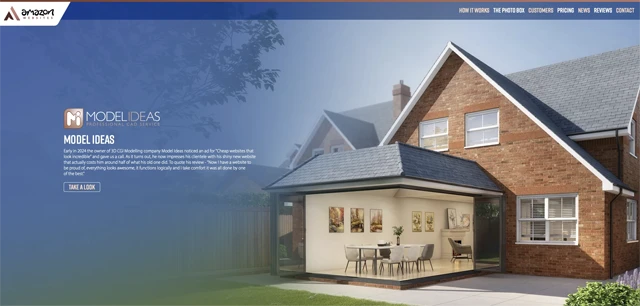
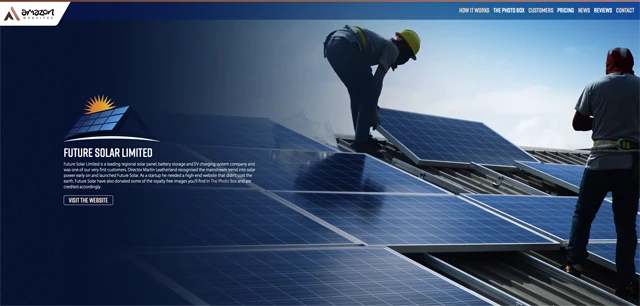
Little thumbs are perfect for a quick smash of thumbnail images to entice people to follow-on immediately after reading your synopsis for the collection in question. They work so well without labels, but can be fitted with any combination of Header and Synopsis labels just like the 'Fat Thumbs' in the next module. Rollover triggers a playful animation to signify a link or download.



Fat Thumbs
Added June 2025 - V6 Preview
Image-based thumbnail grid that can be used with or without Header and/or Synopses labels. Rollover triggers a playful animation to signify a link or download.
Advanced Armour Engineering
Cutting-edge manufacturing for global defence and security.

The Paperless Logo
Free-to-use, global initiative to promote paperless businesses.
MOR Estates Property Sourcing
Tailored property sourcing solutions for any investment goals.
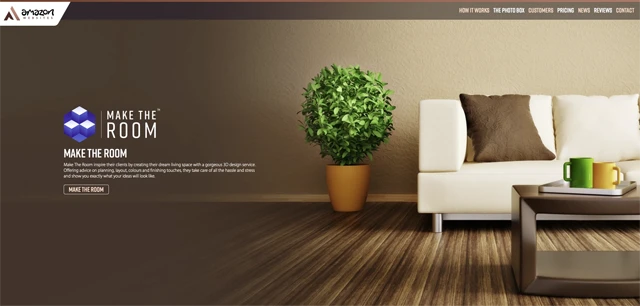
Make The Room
Creators of dream living spaces through 3D designs.
Tamsin Wheatcroft Recruitment
Successful and established recruitment agency.
HSH Contractors
Nationwide waste collection and brokerage.
Datalist Module
Added November 2025 - V6 Preview
A table (or multiple tables) with a clean and modern design that displays large amounts of data from a spreadsheet file. The table automatically adapts to match the quantity of columns and rows in any spreadsheet you provide.
PixelClub™ Members
Version History
Photo Module (above)
Added November 2023 - Part of V1
A simple and clean module that shows a single image. Scales to full width and automaticaly scales the height to keep the image in proportion.
Please note this module you are reading is a Whitepage Module, as the Photo Module cannot display text.
Video Module (above)
Added November 2023 - Part of V1
A simple and clean module that shows a single YouTube video / playlist. Scales to full width keeping a 16:9 proportion.
Please note this module you are reading is a Whitepage Module, as the Video Module cannot display text.
£36
Up & Running
- 5 pages
- Access to The Photo Box - Check it out...
- Advanced Highly Secure Website Hosting on 100% Renewable Energy
- Your own secure .co.uk domain
- Setup for great organic SEO
- Custom email addresses on your .co.uk domain. A huge 10GB mailbox per person with Easy Webmail.
- Personal Expert Support - Actually talk to the person who codes your website!
+£4
An Extra Page
Everything in Up & Running, plus- Boost your website up to 6 pages!
- At any point add even more pages for £4/mo each.
+£6
Ultra Mailbox
Everything in Up & Running, plus- Upgrade one custom email address to an Ultra Mailbox!
- An INSANE 50GB mailbox for massive amounts of emails with huge attachments. Yes 50GB!
- Upgraded webmail, including Contact/Calendar Sync with popular mail clients.
+£10
News & Email
Everything in Up & Running, plus- A complete news section with articles + images. Great for SEO! Check it out...
- Add a news item every month
+£11
3 Extra Pages
Everything in Up & Running, plus- Boost your website up to 8 pages! Offers some individual pages to target specific search terms - Great for Google!
- At any point add even more pages for £4/mo each.
+£25
10 Extra Pages
Everything in Up & Running, plus- Boost your website up to 15 pages! Offers plenty of individual pages to target specific search terms - Amazing for Google!
- At any point add even more pages for £4/mo each.
Box Model Linked Module
Added January 2025 - Part of V5
The Box Model neatly displays lists of things like reviews, prices, downloads, events etc. This is the linked version with cheeky animated rollovers. We use it at the bottom of every PixelClub Photo Box Page.

Annual Report 2025
Annual Report 2025.pdf
Annual Report 2024
Financials and progress from 2024. Published in January.
Annual Report 2023
Annual Report 2023.pdf
Annual Report 2022
Annual Report 2022.pdf
Annual Report 2021
Annual Report 2021.pdf
Annual Report 2020
Annual Report 2020.pdf
News Module
Added January 2024 - Part of V2
Optional Caption Headline
You can also have an optional Caption Synopsis like this.
Media Gallery Module (above)
Added February 2024 - Part of V3
Clean montaged gallery section with dynamic layout depending on device which can accommodate images and 16:9 YouTube videos. The Media Gallery Module has a black surround with little rounded edges. Choose from double-column or large single-column layouts on desktop. Both display as single column on mobile.
Please note this module you are reading is a Whitepage Module, as the Media Gallery Module cannot display text.
Advanced Contact Form Module
Added August 2024 - Part of V4
Jobs Module
Added March 2026 - V6 Preview
Codesharer Module
Added August 2025 - V6 Preview
The new Codesharer module is a great way to share any kind of code with your audience. The example here is taken from The Global Paperless Logo website and when pasted into any HTML code, is an easy way to include the Paperless accreditation to any qualifying website.
<div align="center" style="width:100%; height:38px; padding:5px; margin:20px 0; background-image:-webkit-linear-gradient(270deg,rgba(8,63,30,1.00) 0%,rgba(1,86,33,1.00) 100%);background-image:-moz-linear-gradient(270deg,rgba(8,63,30,1.00) 0%,rgba(1,86,33,1.00) 100%); background-image:-o-linear-gradient(270deg,rgba(8,63,30,1.00) 0%,rgba(1,86,33,1.00) 100%); background-image:linear-gradient(180deg,rgba(8,63,30,1.00) 0%,rgba(1,86,33,1.00) 100%); border-radius:8px; -webkit-box-shadow:0px 0px 8px #004421; box-shadow:0px 0px 8px #004421"><div align="center" style="top:-30px; position:relative"><a href="https://www.paperlesslogo.com" target="_blank"><img src="https://www.paperlesslogo.com/logos/Proud-Light.svg" width="180" height="auto" alt="The Paperless Logo" style="width:180px; height:auto; margin:0; padding:0" /></a></div></div>Just paste it into your website and you have the accreditation.
